
Backup & Recovery

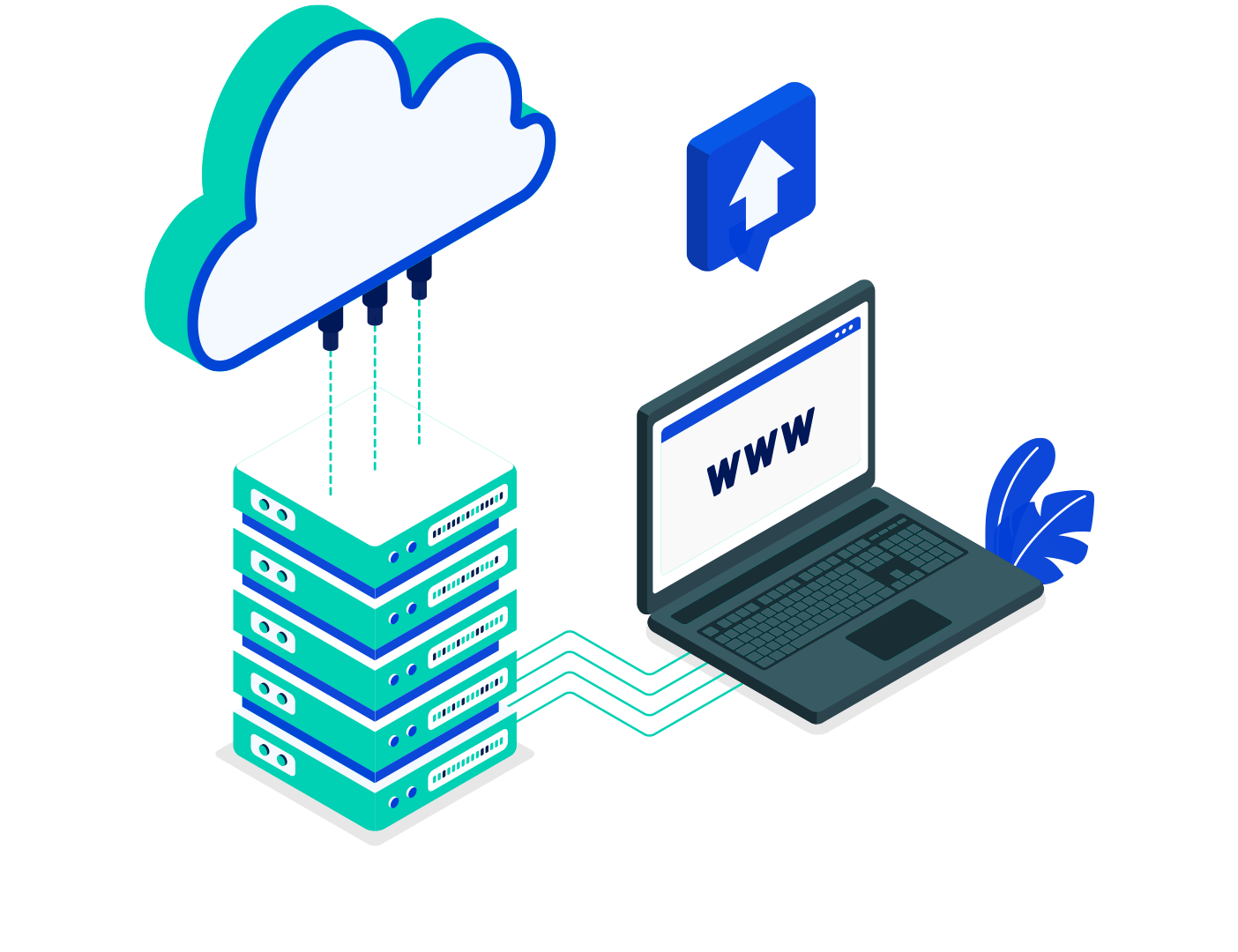
Backup & Recovery: Safeguard Your Website’s Data Backup and recovery solutions are essential for protecting your website against data loss, cyberattacks, or unexpected errors. By implementing regular backups and having a reliable recovery plan, you can ensure minimal downtime and a quick return to normal operations.Key Features of Our Backup & Recovery Services:Automated BackupsWe set up scheduled backups to save your website’s files and database automatically, ensuring you never lose important data.Secure StorageYour backups are stored in secure, offsite locations or cloud platforms like Google Drive, Dropbox, or Amazon S3 for maximum safety.Comprehensive CoverageWe back up all critical components, including content, media, plugins, themes, and configurations.Fast RecoveryIn case of an issue, we restore your website promptly, minimizing downtime and ensuring business continuity.Version ControlAccess multiple backup versions to revert your site to a specific point in time if needed.Manual and On-Demand OptionsAlongside automated backups, we offer manual backup options for critical changes or updates.Why Backup & Recovery Matters:Protects your website from data loss due to hacking, server crashes, or human error.Ensures quick recovery during unexpected events, maintaining user trust.Provides peace of mind, knowing your site’s data is secure and retrievable.Don’t wait for a disaster—secure your website with reliable backup and recovery solutions today!
成功的在線商店所需的一切等等
Security Support

Security Support: Protecting Your Website from Threats Website security is crucial to safeguard your data, maintain user trust, and prevent cyberattacks. Security support involves proactive measures to protect your site and quick responses to handle threats. Here’s how we ensure your website stays secure:Regular Security AuditsWe perform routine checks to identify vulnerabilities and implement fixes before they become issues.Malware Scanning and RemovalWith advanced tools, we scan your website for malicious code and eliminate threats to keep your site clean and safe.Firewall SetupWe configure firewalls to block unauthorized access and protect your site from hackers and DDoS attacks.Backup SolutionsFrequent backups ensure your data is safe and recoverable in case of any incident.SSL Certificate InstallationWe install and maintain SSL certificates to encrypt data and build trust with visitors by enabling HTTPS.Real-Time MonitoringOur team monitors your website 24/7, detecting and addressing threats as they arise.Why Security Support Matters:Protects sensitive information from breaches.Ensures your website complies with data protection regulations.Builds trust with your visitors and customers.Don’t let security risks compromise your online presence. With comprehensive security support, your website will remain safe, reliable, and resilient.

Plugin Setup

Plugin Setup: Simplifying Website Functionality Plugins are essential for enhancing your website’s functionality without writing code. From SEO optimization to security and custom features, setting up plugins is a straightforward way to extend your site’s capabilities. Follow these steps for an effective plugin setup:Identify Your NeedsDetermine the functionality your site requires, such as SEO, contact forms, or e-commerce capabilities.Choose Reliable PluginsSelect plugins with high ratings, good reviews, and frequent updates to ensure reliability and compatibility. Popular choices include:SEO: Yoast SEO, Rank MathSecurity: Wordfence, SucuriPerformance: W3 Total Cache, SmushInstall PluginsGo to your WordPress dashboard, navigate to Plugins > Add New, search for the desired plugin, and click Install Now, then Activate.Configure SettingsAfter activation, access the plugin settings to customize its functionality according to your site’s requirements.Test for CompatibilityEnsure the plugin works seamlessly with your theme and other installed plugins. Check for any errors or conflicts.Regular UpdatesKeep plugins up to date to access new features, improve performance, and maintain security.Pro Tips for Plugin Setup:Limit Plugins: Use only the necessary plugins to avoid slowing down your site.Backup Before Changes: Always back up your site before installing or updating plugins.Monitor Performance: Regularly test your site’s speed and functionality after installing plugins.With the right plugins and proper setup, you can unlock the full potential of your website while keeping it optimized and secure.

Updates & Upgrades

Updates & Upgrades: Keeping Your Website Secure and Modern Regular updates and upgrades are essential for maintaining a secure, fast, and functional website. Whether it’s your CMS, plugins, or themes, staying current ensures your site is equipped with the latest features and protection. Here’s why updates and upgrades matter:Enhanced SecurityUpdates fix vulnerabilities and strengthen defenses against potential threats, reducing the risk of hacking or malware.Improved PerformanceUpgrades often include optimizations that boost speed and enhance your website’s overall performance.Access to New FeaturesStay ahead with the latest functionality and tools introduced in updated versions of your CMS, plugins, and themes.Bug FixesUpdates resolve issues from previous versions, ensuring your site runs smoothly without glitches.CompatibilityKeeping your CMS, plugins, and themes updated ensures they work seamlessly together and with the latest technologies.Better User ExperienceA modern, up-to-date website provides visitors with a smoother, more reliable experience.Pro Tips for Updates & Upgrades:Backup First: Always back up your website before making any updates to prevent data loss.Test Updates: Use a staging site to test updates before applying them to your live site.Automate Updates: Enable automatic updates for minor changes while manually reviewing major upgrades.Regular updates and upgrades keep your website secure, functional, and ready to meet the needs of your audience. Don’t delay—schedule your updates today!

Performance Optimization

Performance Optimization: Enhance Your Website’s Speed and Efficiency A fast, efficient website is crucial for user experience and SEO. Performance optimization ensures your site loads quickly, functions smoothly, and delivers the best experience to your visitors. Here are key steps to optimize your website’s performance:Enable CachingUse plugins like WP Super Cache or W3 Total Cache to store static versions of your site, reducing server load and speeding up page delivery.Optimize ImagesCompress images using tools like TinyPNG or plugins like Smush to reduce file sizes without sacrificing quality.Minify CSS, JavaScript, and HTMLRemove unnecessary characters in code using tools or plugins like Autoptimize to reduce file sizes and improve loading times.Use a Content Delivery Network (CDN)CDNs like Cloudflare distribute your content across multiple servers worldwide, reducing latency and speeding up delivery for global visitors.Upgrade HostingChoose a high-performance hosting provider optimized for WordPress, such as SiteGround or Kinsta, for faster loading speeds.Reduce PluginsDeactivate and delete unnecessary plugins to minimize resource usage and potential conflicts.Monitor and Optimize DatabaseUse plugins like WP-Optimize to clean and optimize your database, removing unnecessary data and improving query speeds.Test Performance RegularlyUse tools like Google PageSpeed Insights, GTmetrix, or Pingdom to analyze your site’s performance and identify areas for improvement.Performance optimization ensures your website is not only fast but also delivers a superior experience, boosting engagement and rankings. Start optimizing today for a faster, more efficient site!

WordPress Installation

WordPress Installation: A Beginner’s Guide Installing WordPress is the first step to building your dream website. Whether you’re starting a blog, launching an online store, or creating a business site, WordPress offers flexibility and ease of use. Follow these simple steps to get started:Choose a Hosting ProviderSelect a reliable hosting service that supports WordPress. Popular choices include Bluehost, SiteGround, and HostGator.Install WordPressMost hosting providers offer one-click WordPress installation. Alternatively, you can download WordPress from WordPress.org and upload it manually via FTP.Set Up Your DatabaseDuring installation, connect to your database (usually provided by your host) to store your website data securely.Customize Your SiteAccess the WordPress dashboard to select themes, install plugins, and customize your site’s design and functionality.Secure Your WebsiteInstall essential plugins like Wordfence or Sucuri for security and configure regular backups using plugins like UpdraftPlus.With WordPress, you can create a professional website without any coding experience. Get started today and unlock endless possibilities for your online presence!